PELvic Tour
Developing a web-based E-learning tool
with interactive 3D Model
for speculum pelvic examination education
Tool
Website Development: Adobe Illustrator; Brackets
Models: Materialise Mimics; Pixologic ZBrush; Autodesk 3ds Max
Interactivity: Unity
Because it is a challenge for instructors and students in medical school to teach and learn how to perform a pelvic examination, the goal of this research is to create a e-learning tool based on website for medical students, which is easily accessible and allow them to review the whole process at their own pace. As a accessory tool, it gives students the step of this procedure and the model of female pelvis to help student with the anatomy of the female pelvis.
Website development
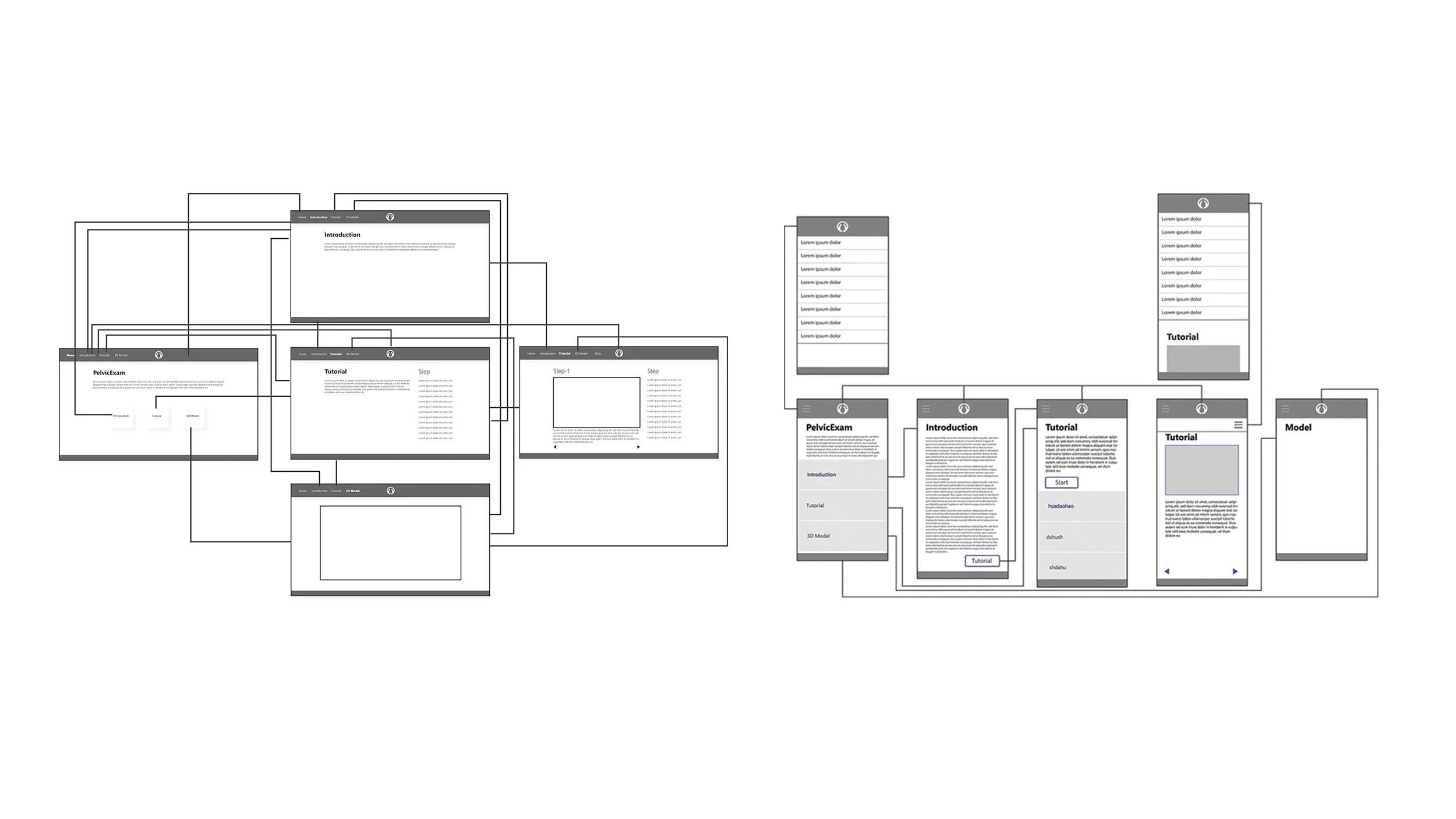
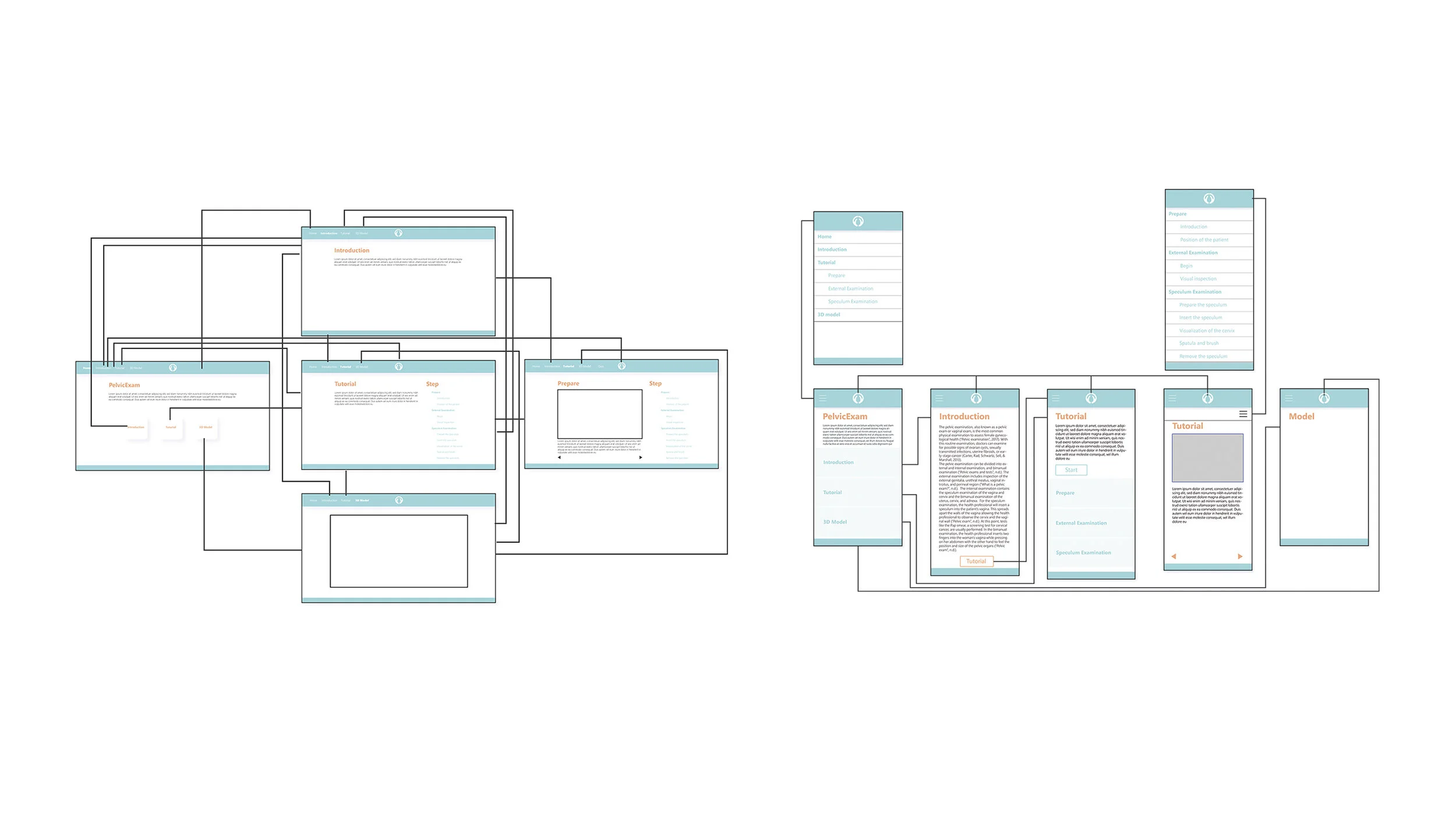
After several months of literature review, the basic sitemap was created. According to the purpose of the website and the idea of visual learning and visual thinking, the low-fidelity and high-fidelity wireframe were created one after the other. To make sure the responsibility of the website on different devices, mobile version was designed first, then followed by the desktop version.
By using Brackets, the website was created with HTML and CSS.
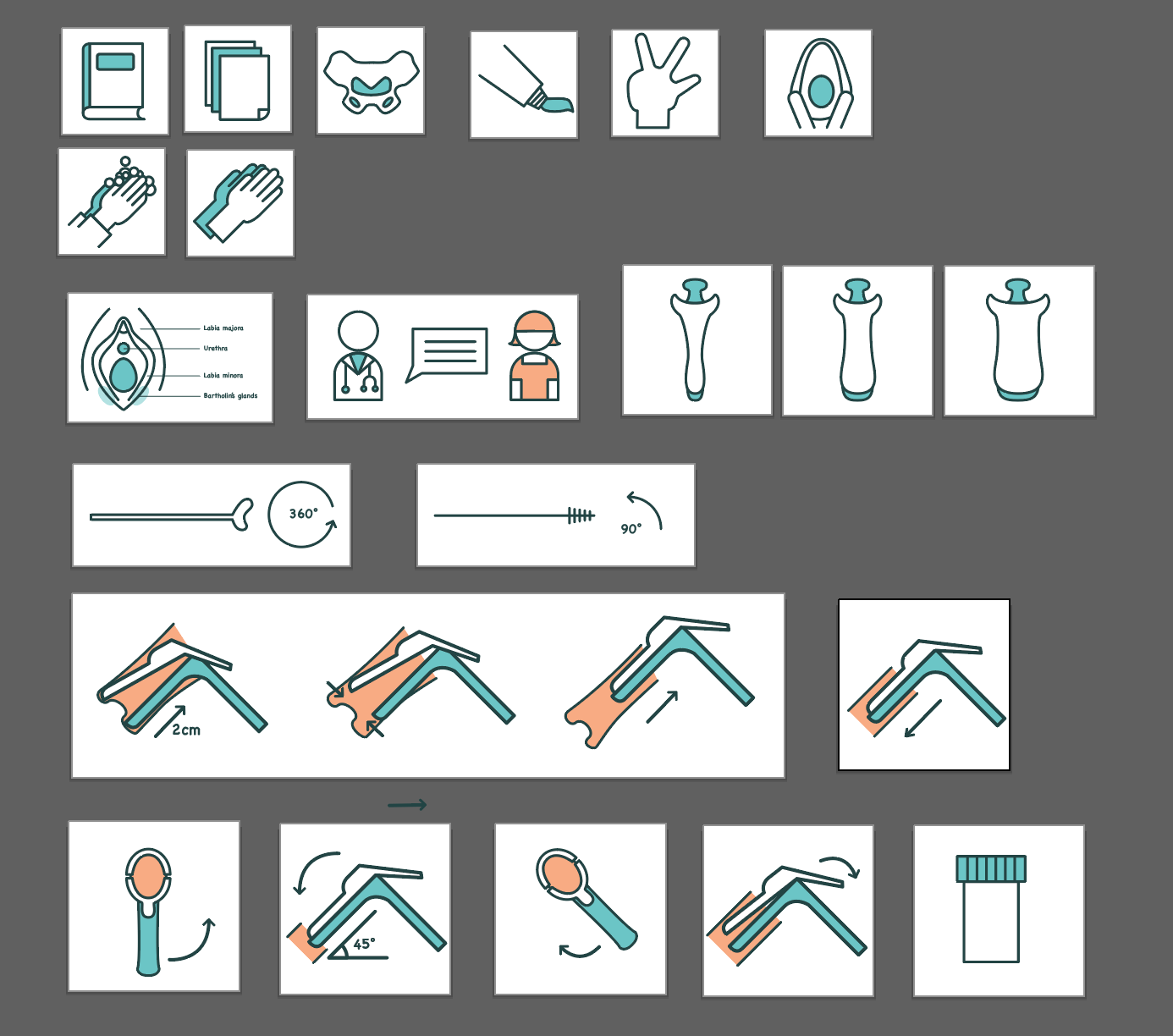
ICON Design
Models
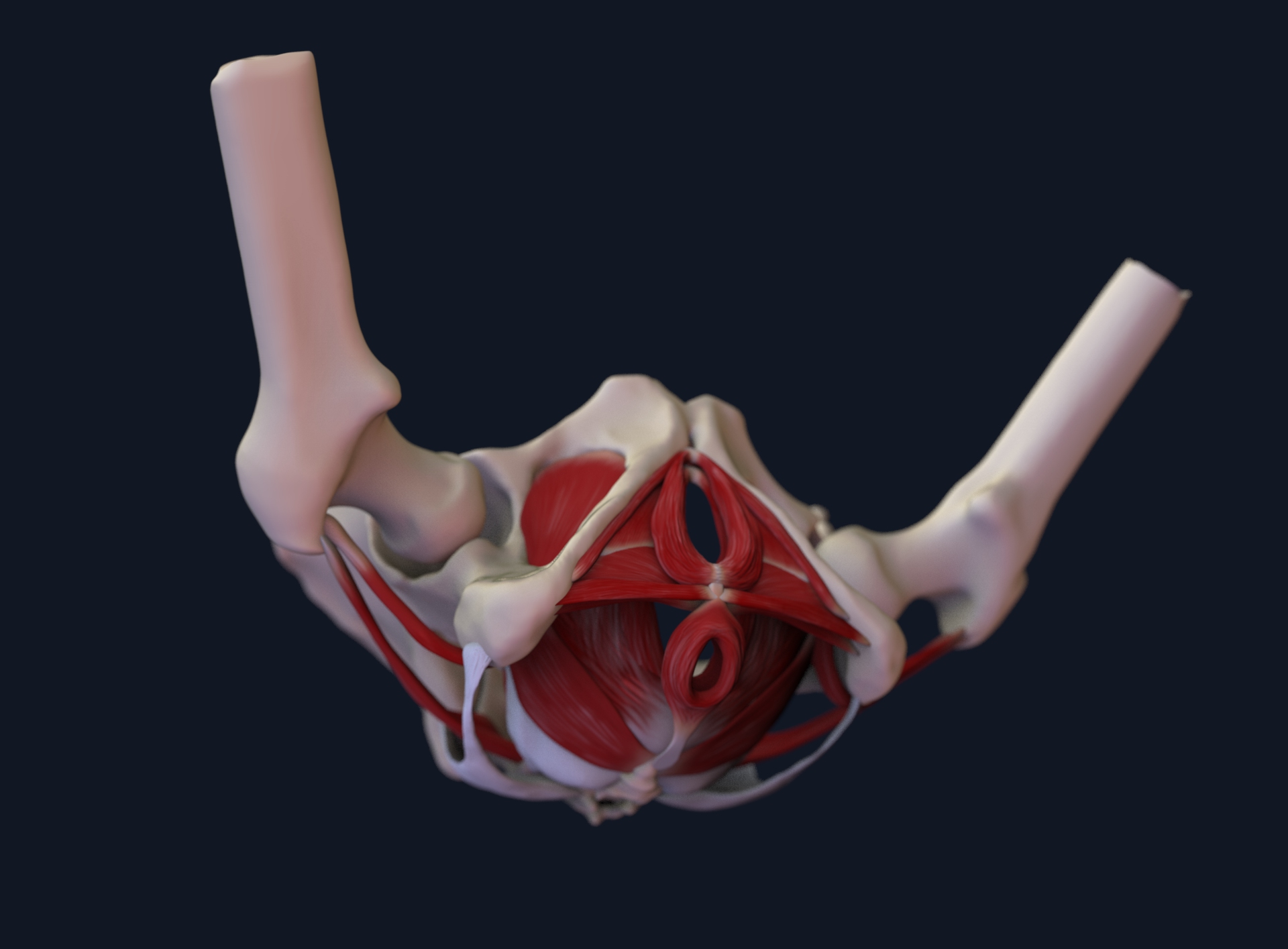
Before starting create the models of female pelvis, lots of research needed to be done. The structure of female pelvis is complicated.
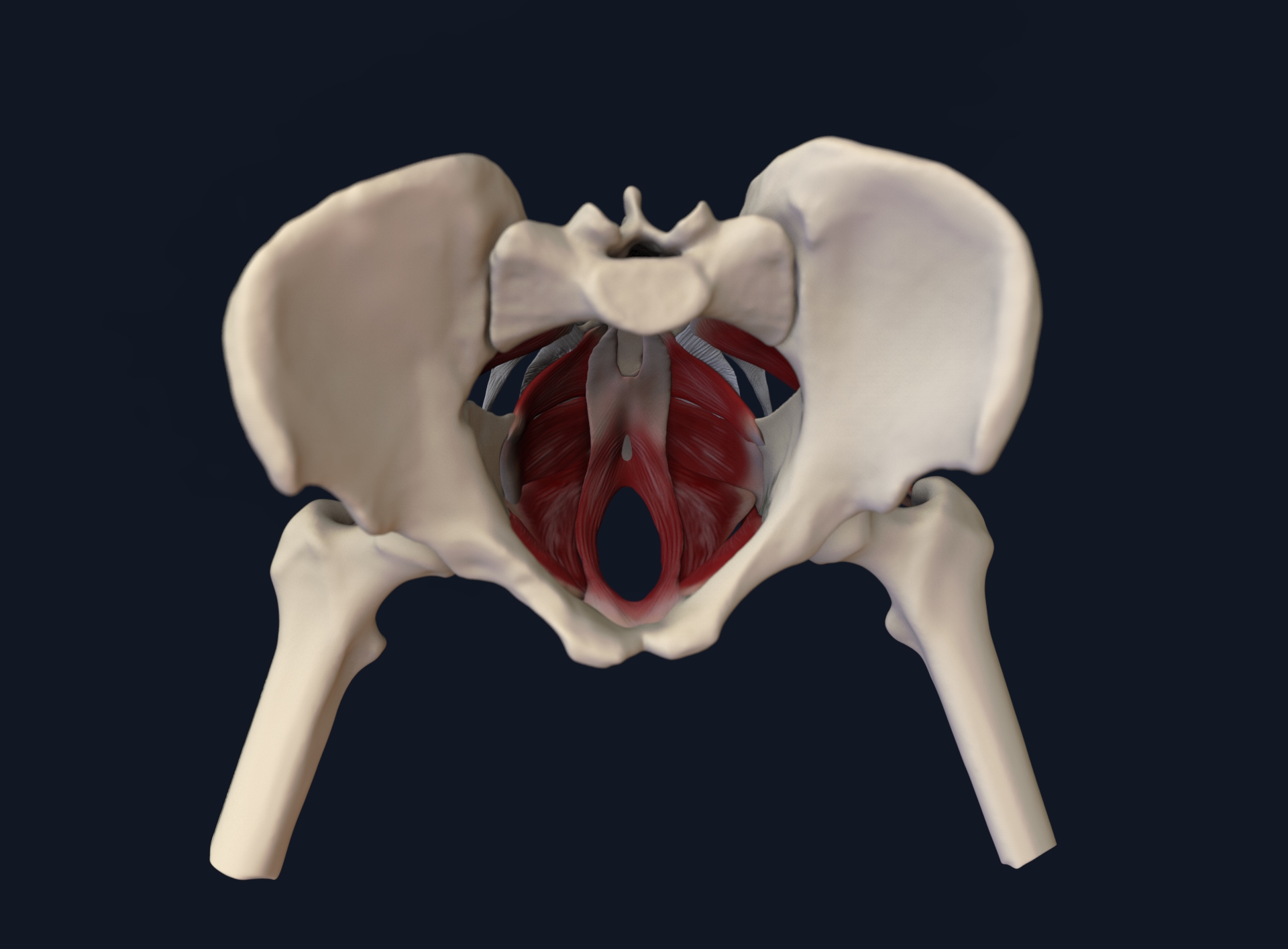
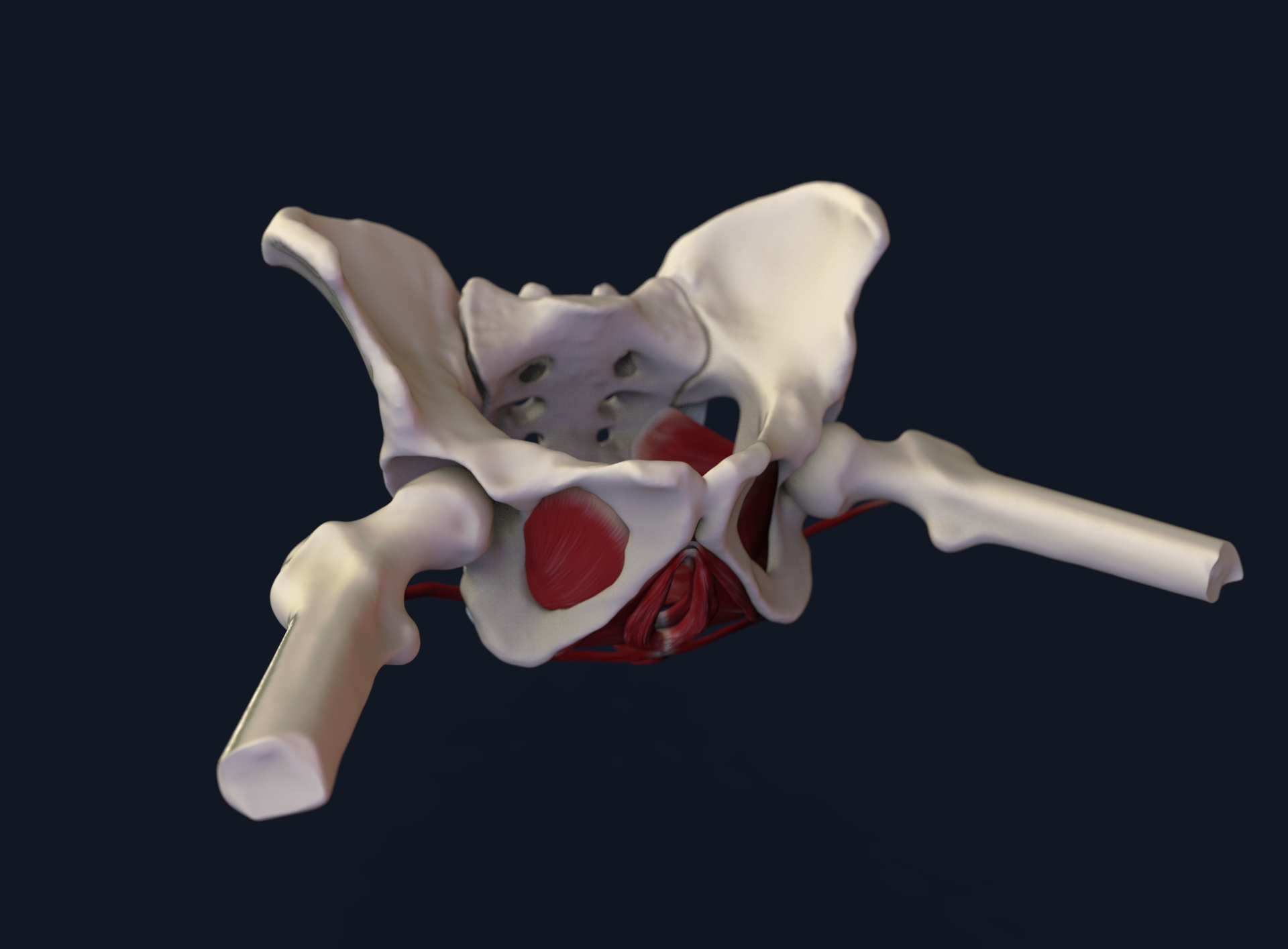
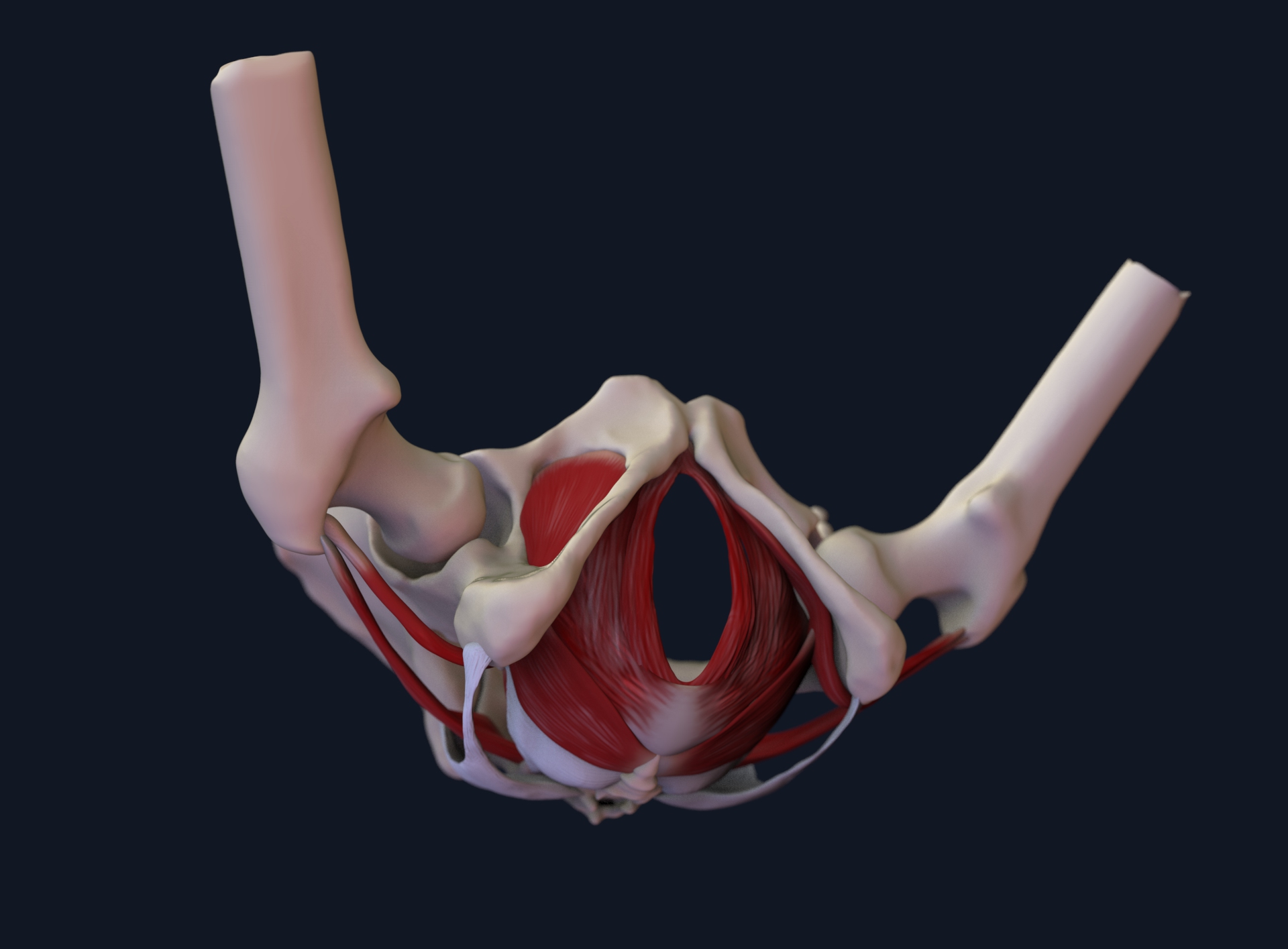
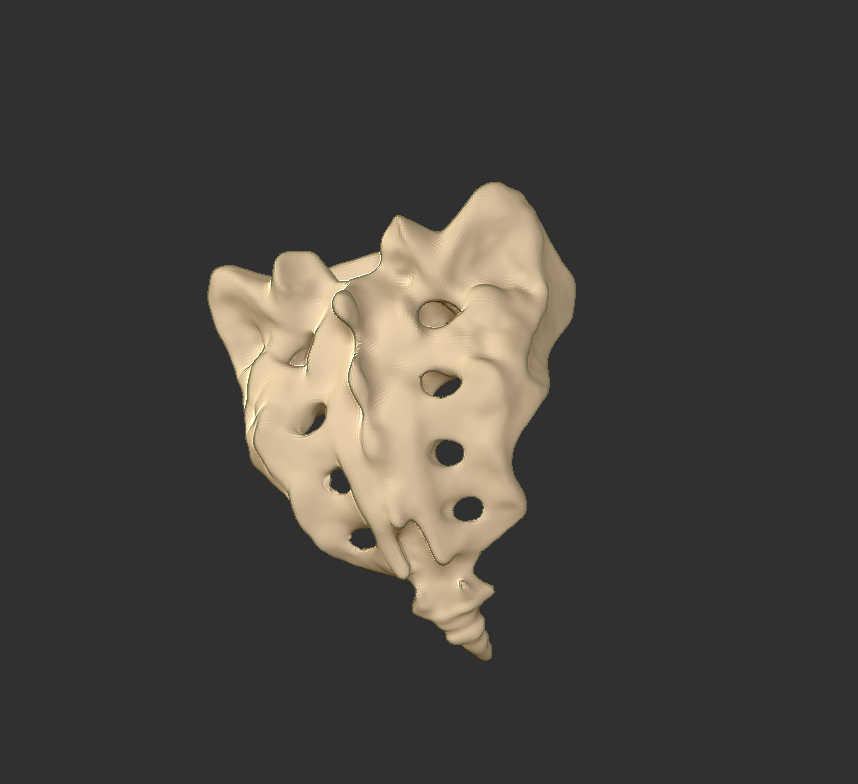
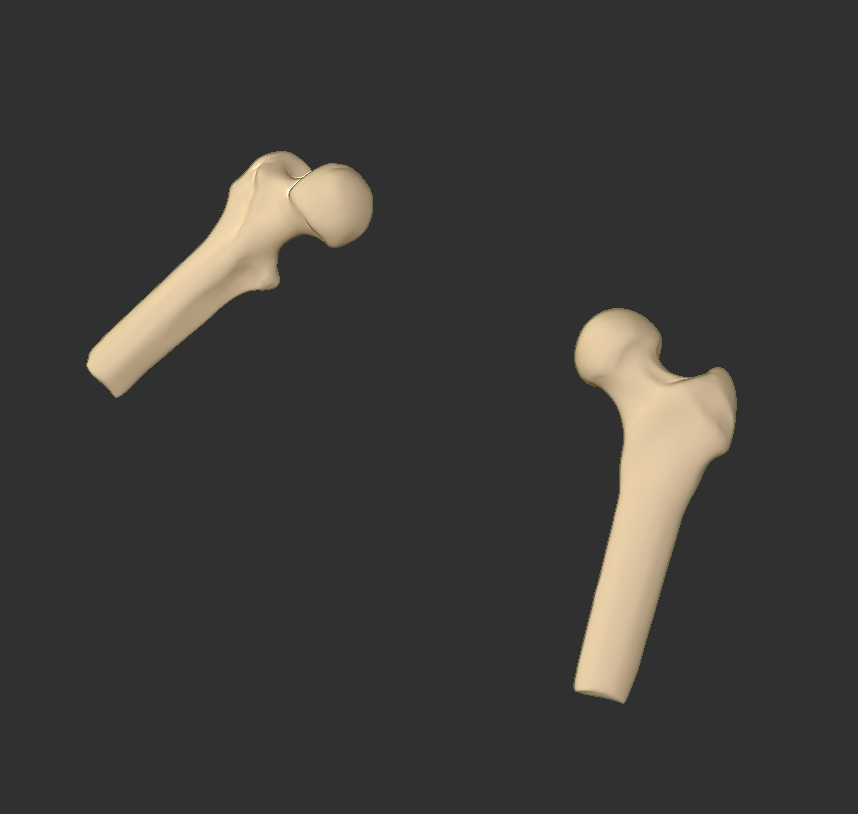
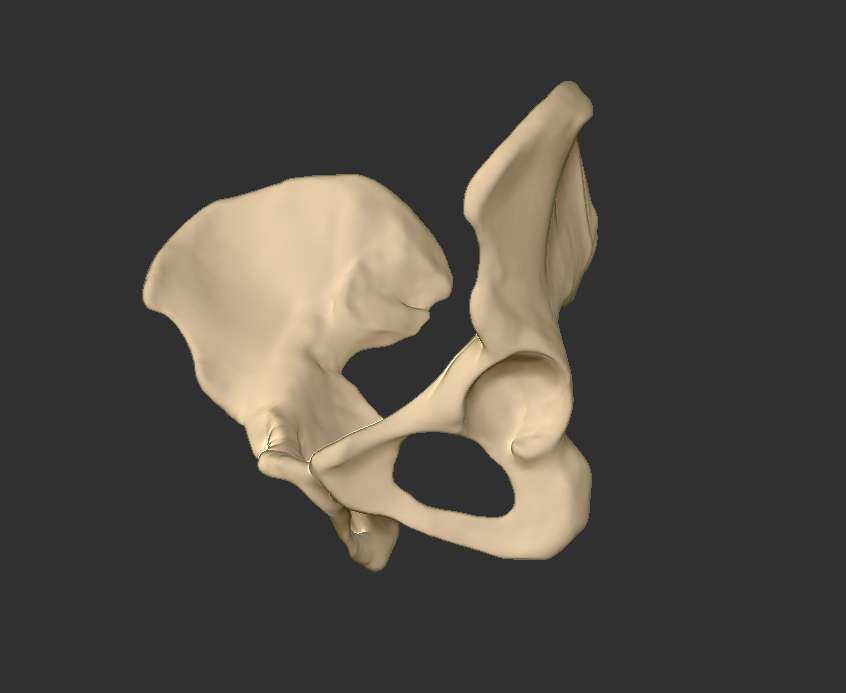
The basic pelvic skeleton was created in Materialise Mimic. To make sure the accuracy of the anatomy, the data of a pelvic fracture for ma female patient was used to digitally reconstruct 3D models.
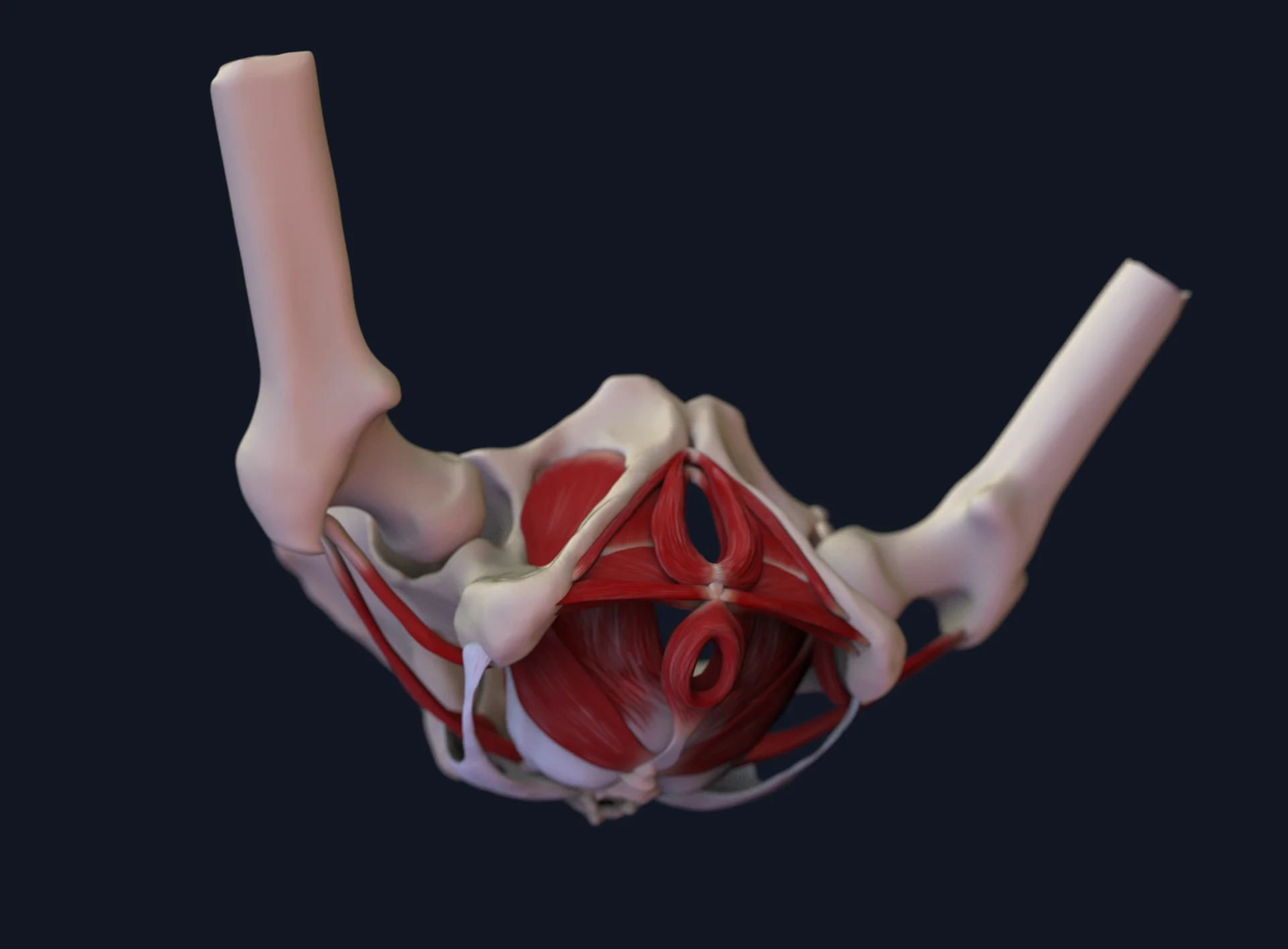
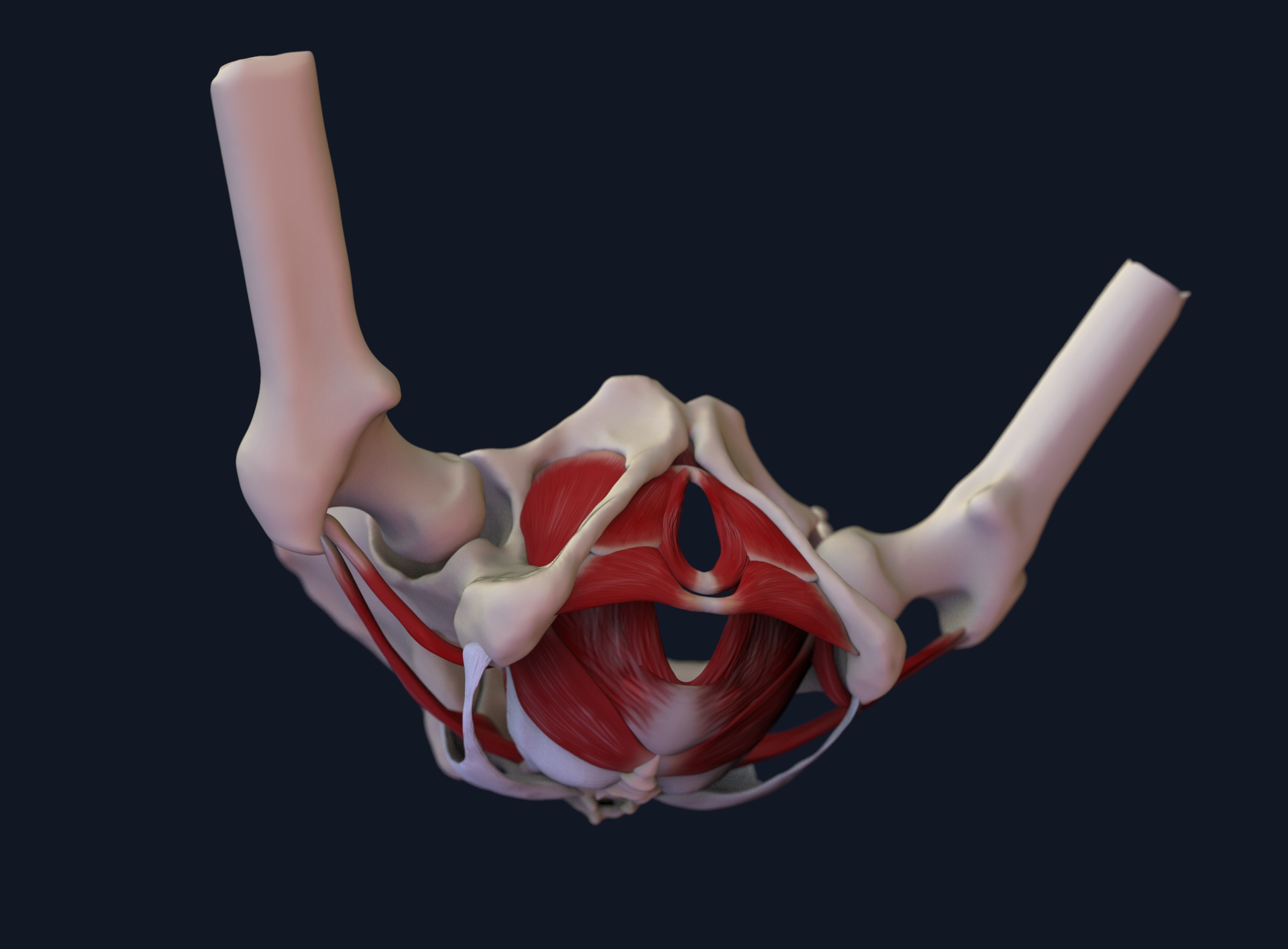
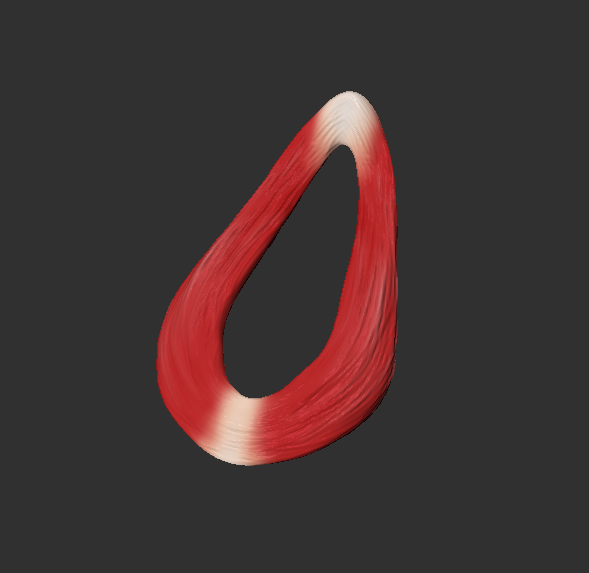
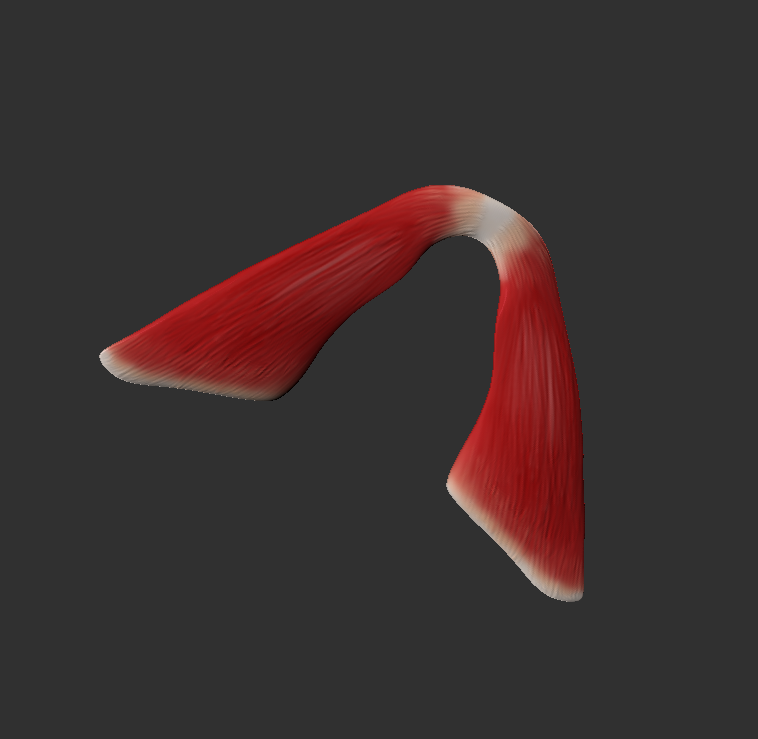
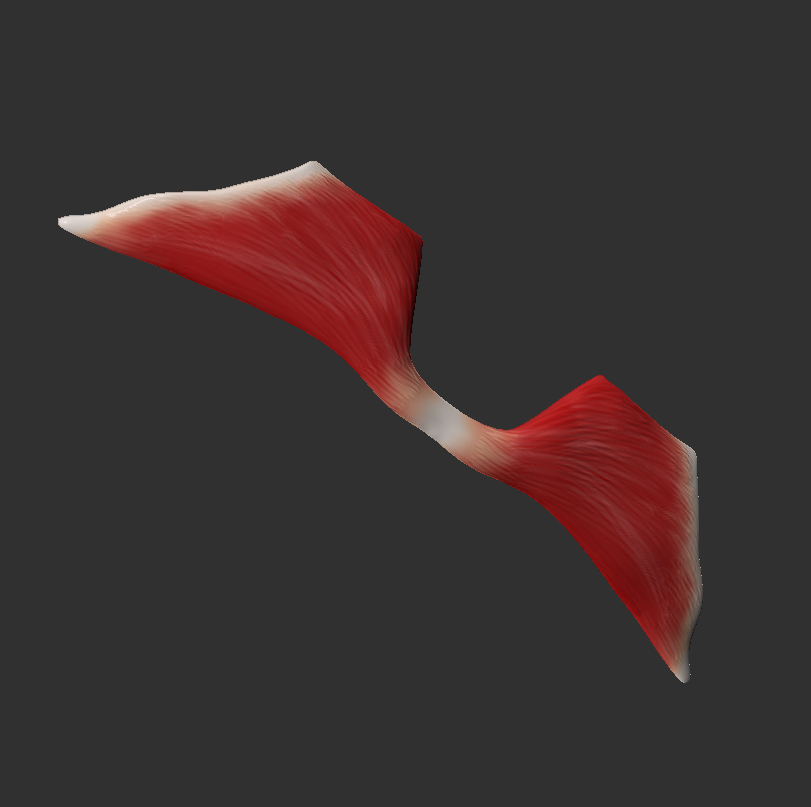
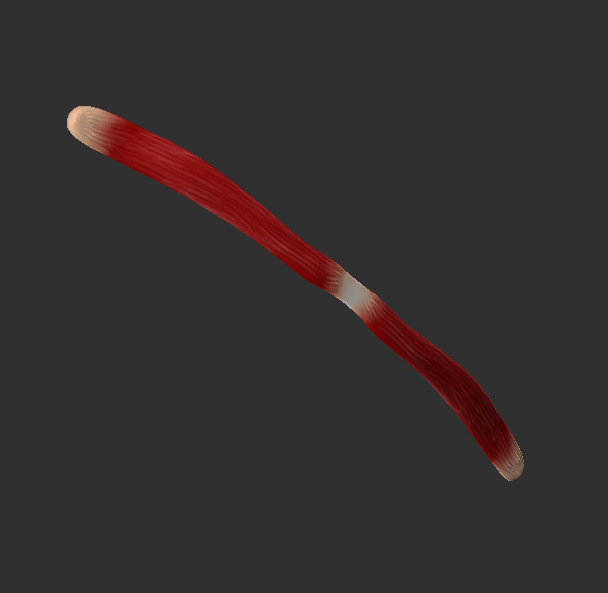
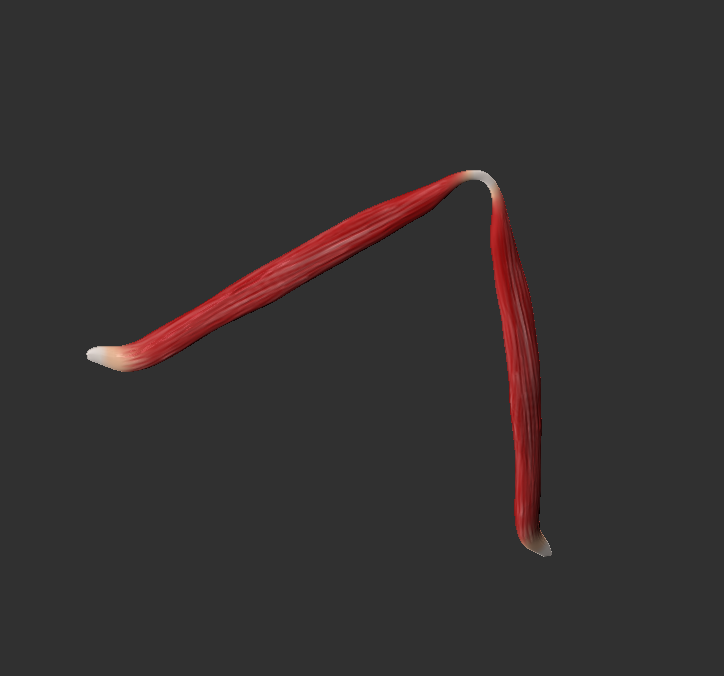
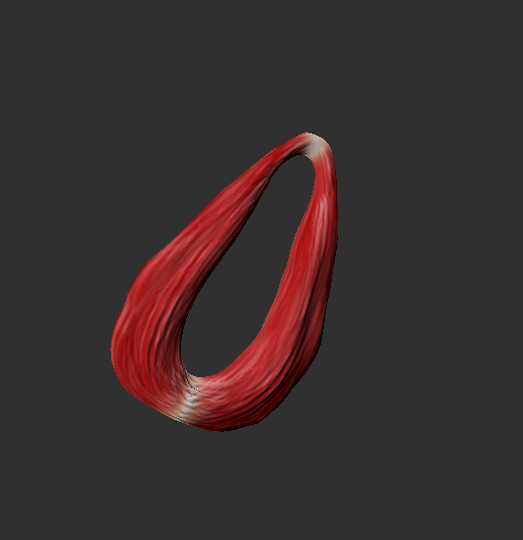
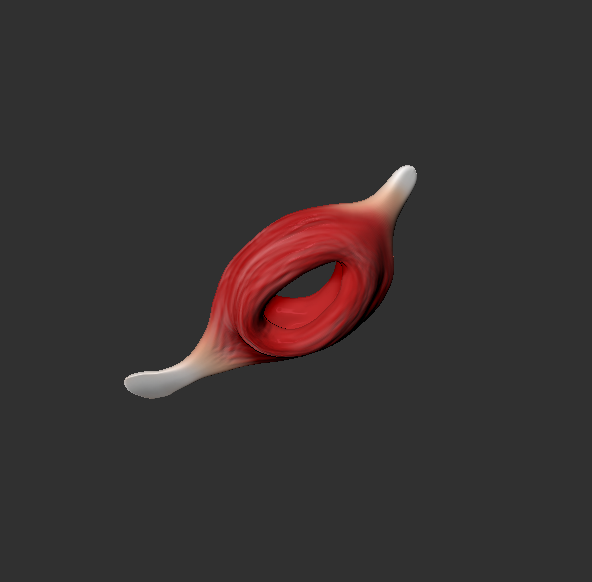
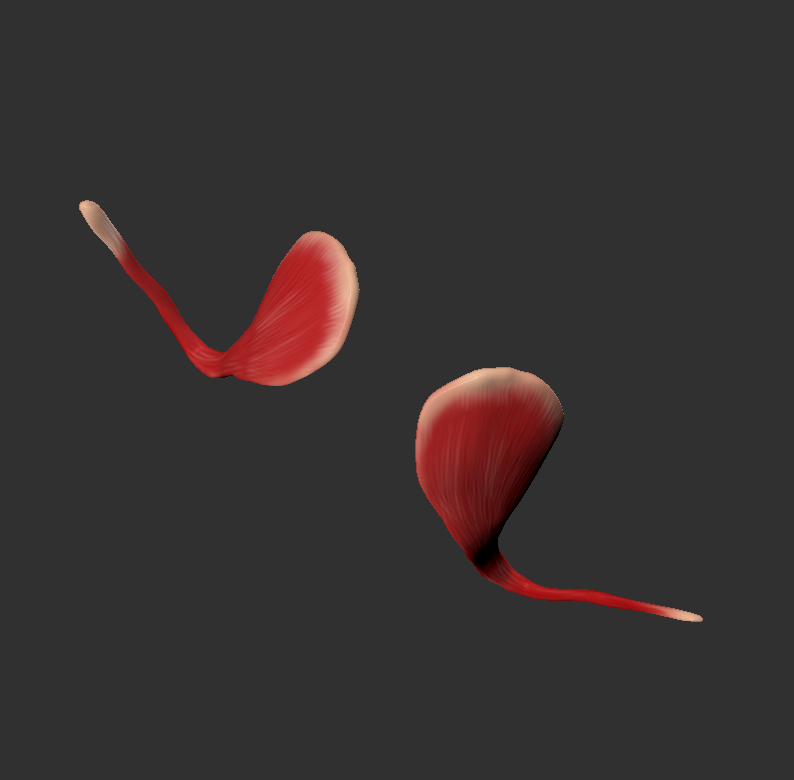
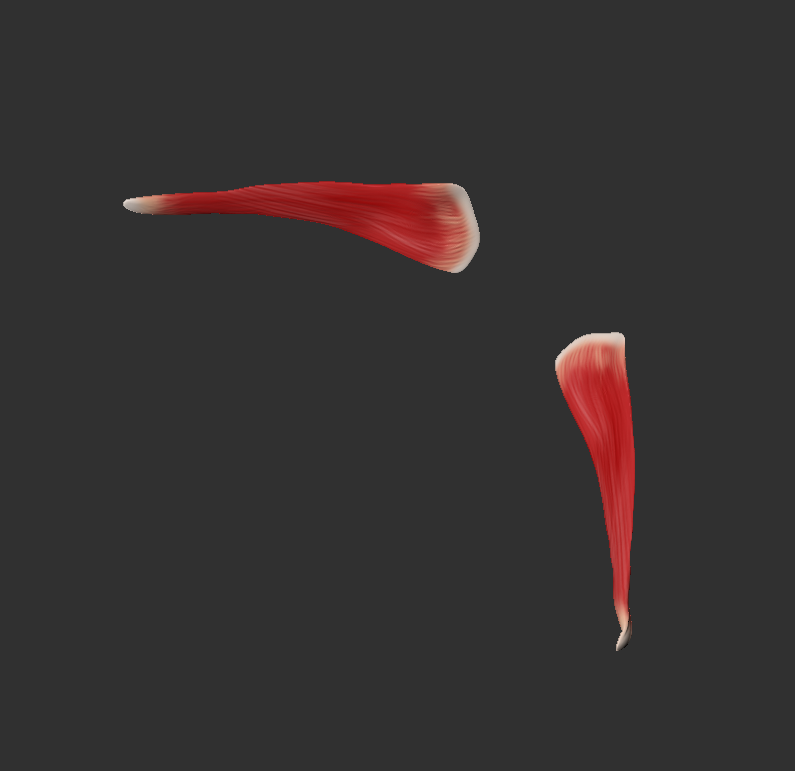
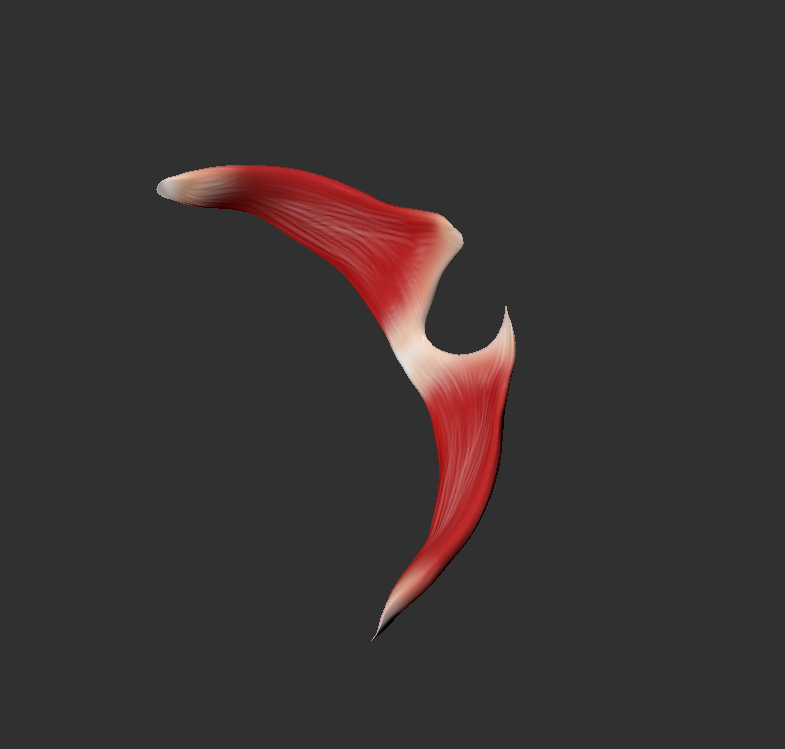
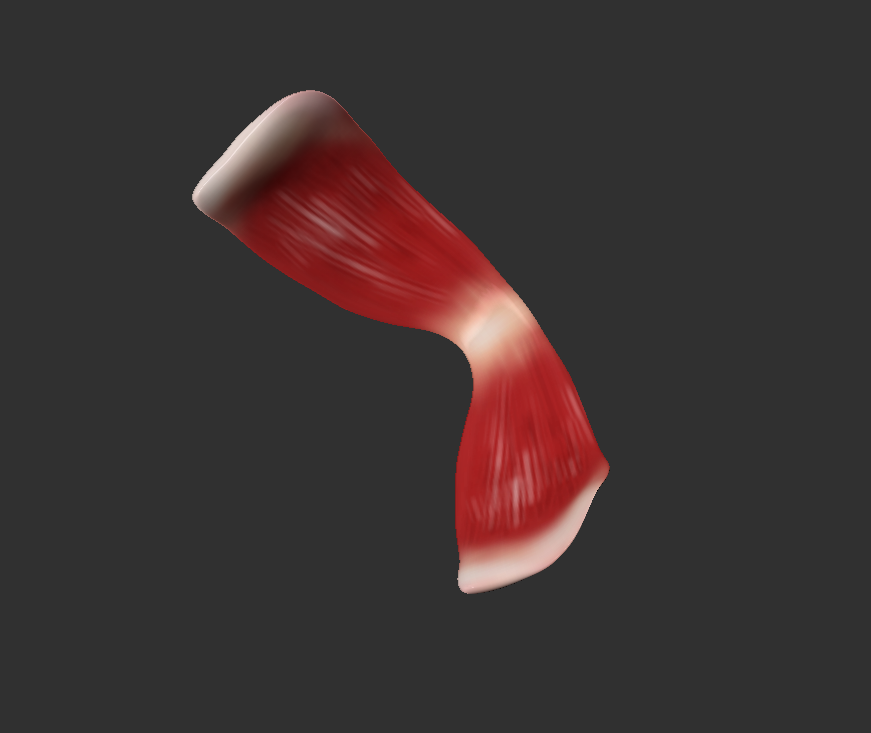
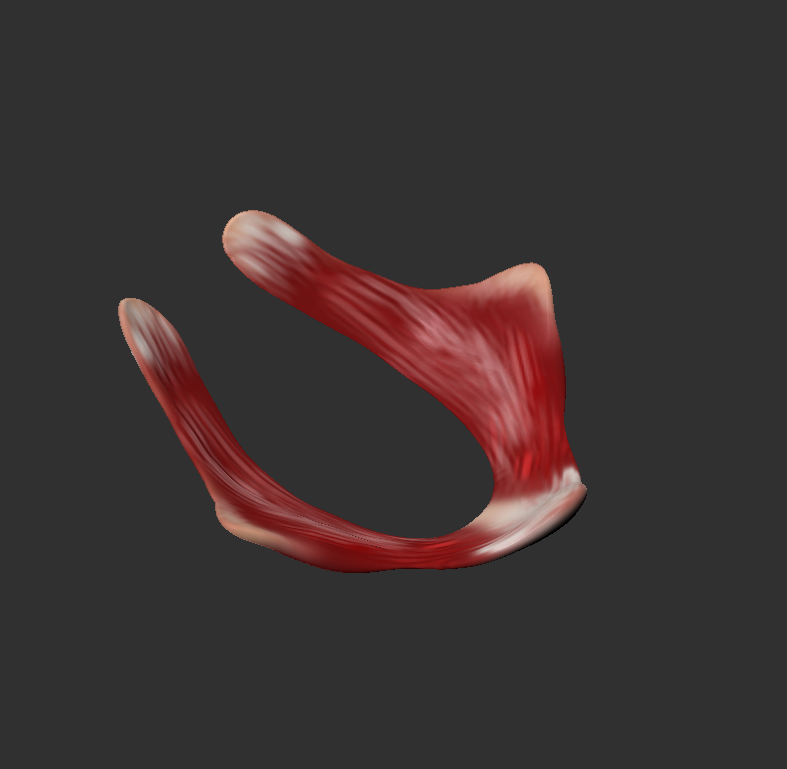
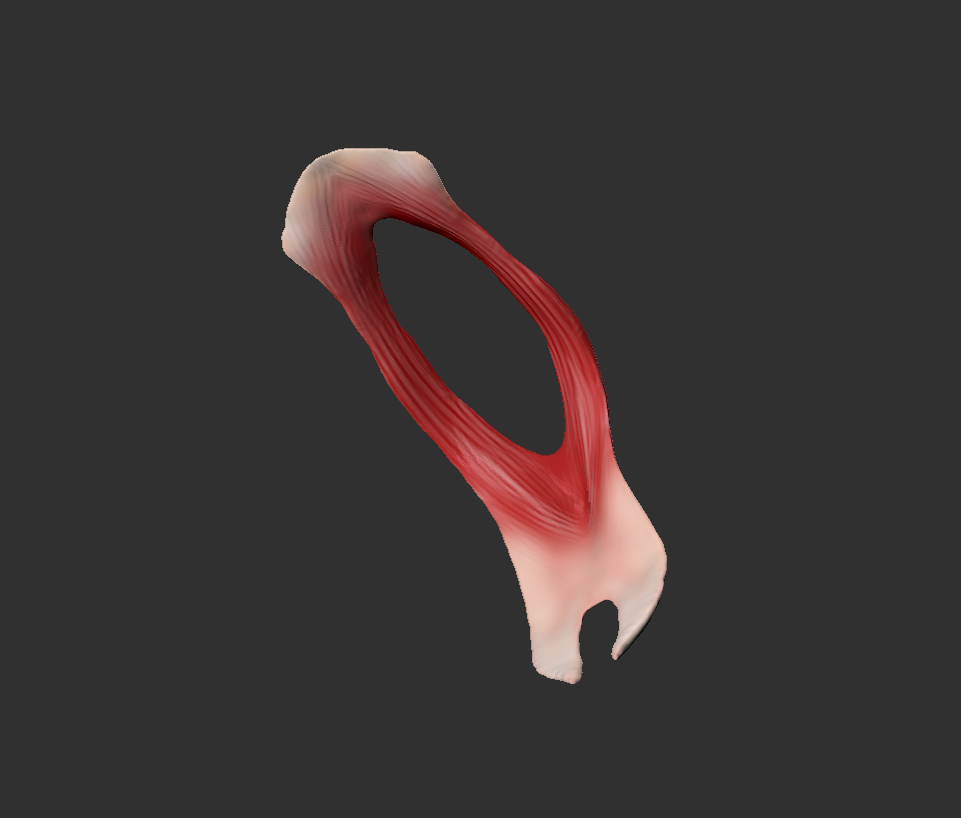
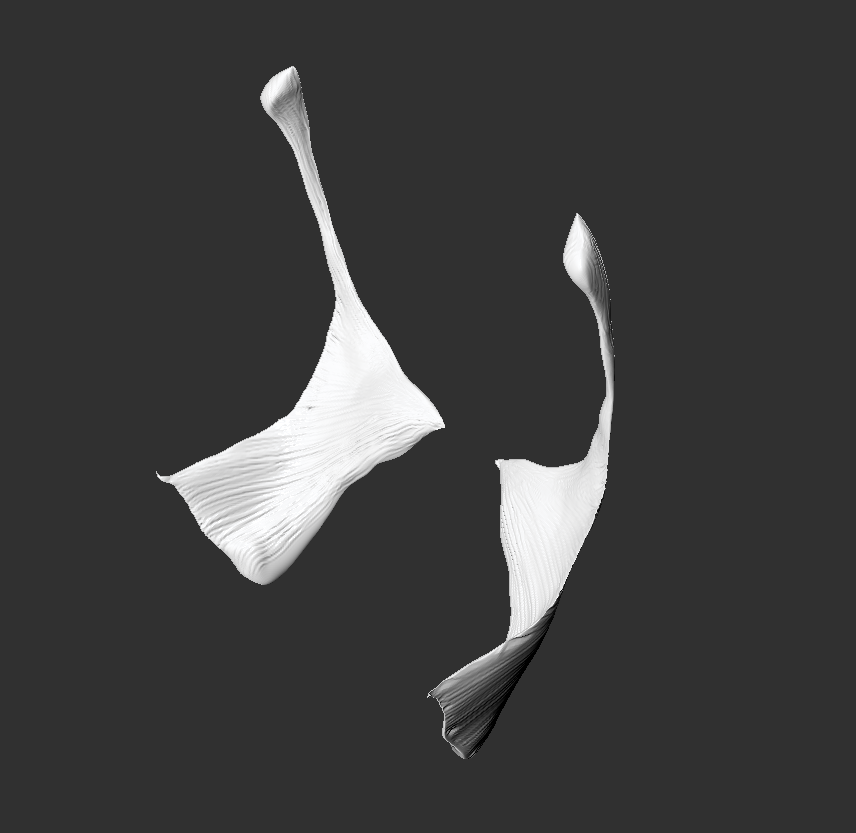
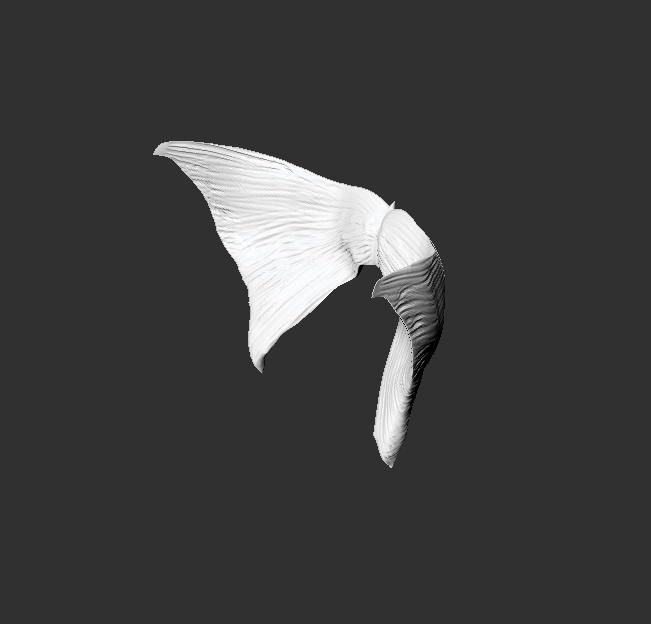
The muscles and organs of the pelvis were created in ZBrush separately in different layers depending on the position. For the functional requirements and the educational goals, 13 muscles, 2 ligaments, and one organ were created.
Interactivity
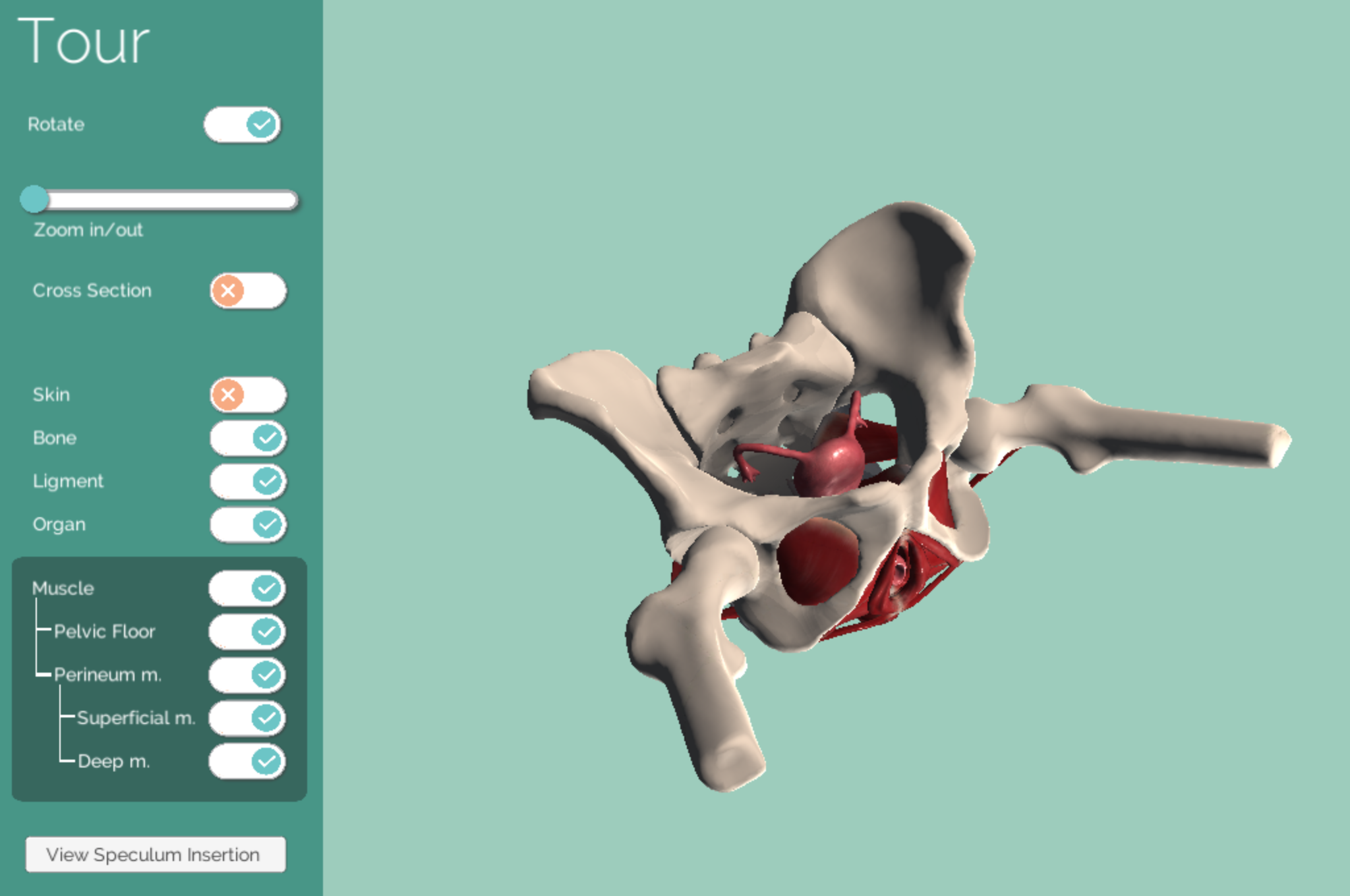
The whole function and layout of the interactivity was created in Unity by coding with C#.
Once completed in Unity, the interactivity section was built in WebGL from Unity and embedded into the main website.
The function includes:
- Rotate the model
- Zoom in & zoom out
- Cross section view
- Different layers (skin, bone, ligament, organ, and muscles)
- The animation of speculum insertion (with slider control)